Brand radar
See what is written about your business on the web, Reddit, X, YouTube and review sites, which mentions can hurt you, who is behind the website each one is on, and which websites are named like yours. How scans run, what they cost and what the radar does not do.
Organic SEO › Brand radar reads the places where people talk about a business and lists every page, post or video that names yours. Each mention gets a tone, the ones that can hurt you are marked and shown first, and the website a mention is on is looked up in public records so you can see who is behind it. It also finds registered websites whose name is one letter or one word away from yours.
Owners, admins and members can open Brand radar; viewers do not see it. The radar watches the product you have open.
Set up your brand radar
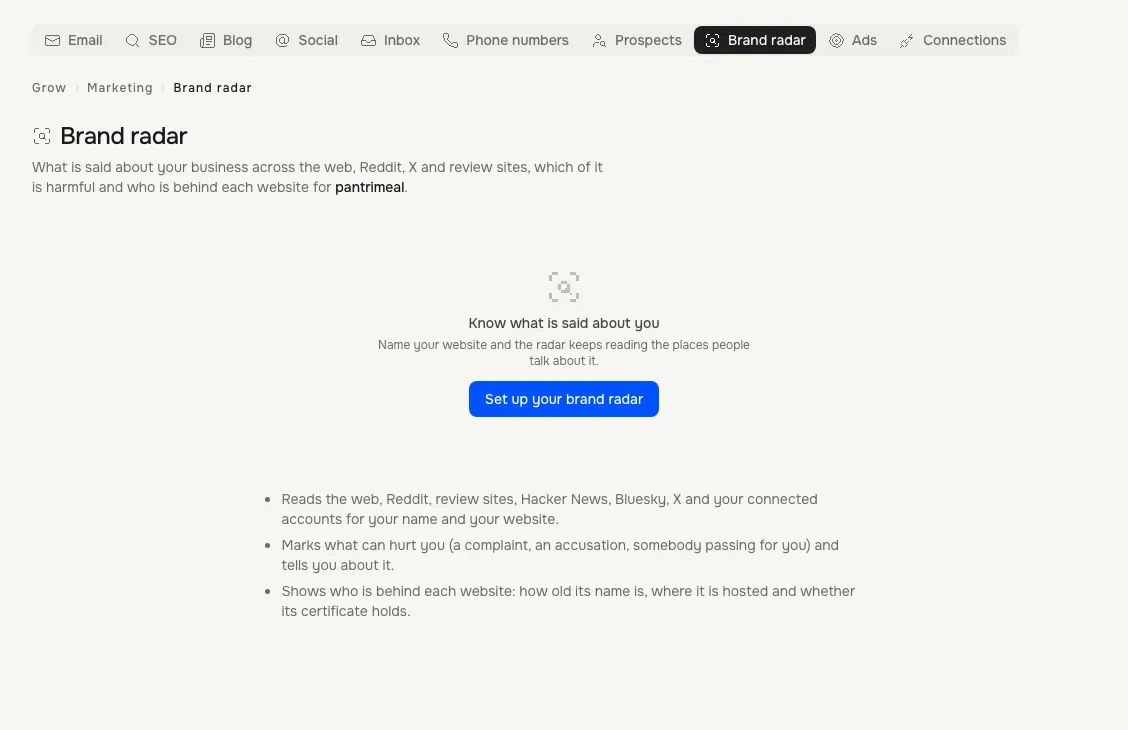
Press Set up your brand radar and fill in:
- Your website: its address, for example
acme.com. - The name people use for your business.
- Other words to look for (optional): a product name, a founder, a common misspelling.
- Leave out anything that says (optional): a word that means the text is about somebody else.
- Websites to leave out (optional). Your own website is never listed.
- Places to read: tick the places you want. A place marked Billed on top adds its own charge to a scan. A place that cannot be read at the moment is greyed out and says why.
- Scan: Every day, Every week or Only when I start one.
- Tell me about a harmful mention: a notification when a scan finds a complaint, an accusation, somebody passing for you or the like.
Press Start watching. You can change all of it later with Settings on the radar, where Scan on the schedule also lets you pause the scheduled scans without losing anything.
The places it reads
| Place | What is read |
|---|---|
| Websites, news and blogs | Pages that name your business anywhere on the open web, found through web search. |
| Threads and comments that name your business. | |
| Review sites | Pages about your business on Trustpilot, G2, Capterra and the other review websites. |
| Public social pages | Public posts on social networks that search engines list. |
| Hacker News | Stories and comments, newest first. |
| Bluesky | Public posts, newest first. |
| X (Twitter) | Posts of the last seven days. Every post X returns is billed on top of a scan. |
| Your connected accounts | What was collected on the accounts connected under Paid Ads › Connections. |
| YouTube | Videos whose title or description names your business, newest first. |
| News and blog index | Dated news and blog pages from a paid index of the web. Every read is billed on top of a scan. |
| Websites named like yours | Registered names one letter or one word away from your website. See below. |
A new radar ticks every place except the News and blog index, which you switch on yourself because it is billed on top. A radar you set up before YouTube, the index and the websites named like yours existed keeps the places it had until you tick the new ones in Settings.
Mentions are found through search, so the radar cannot promise to find every one. It does not read private groups, direct messages or pages behind a login.
Scans and what they cost
A scan reads the places you picked and takes a few minutes. It runs on the schedule you chose, and Scan now starts one by hand.
- A scan is charged in credits only when it finds something new. A scan that finds nothing new, or that does not finish, is not charged.
- Posts read on X and pages read from the news and blog index are added to the cost of the scan. X is ticked on a new radar; the index is the only place that starts off, until you tick it. A workspace without the credits for one of them is not read there, and the scan says so.
- When the workspace has no credits left, scans pause until the next allowance or a top-up. The mentions already found stay.
Prices are on the pricing page; credits are explained in Billing and credits.
The summary at the top shows the last 30 days: how many mentions were found, how their tone divides into Positive, Neutral and Negative, and the harmful ones nobody has looked at yet under Look at these first. Places not read lists any place the last scan could not reach.
Mentions
The list shows each mention with the place it was found, its tone and, when it can hurt you, the kind of harm: a complaint, an accusation, impersonation, abuse, a false claim, a security or legal matter, or spam. A severe one says so.
- Search what was written, and filter by Status (Open, New, Reviewed, Dismissed, All), by tone and by Place.
- Mark as reviewed when you have dealt with a mention; Dismiss one that is not about you or does not matter; Bring back a dismissed one.
The tone and the harm are read by an AI model. When the model was not available the radar falls back on word rules, and the mention says so. Treat both as a first reading and open the mention before you act on it.
One mention
Open a mention to read What was written, the place, who wrote it, when it was published or found, the words that matched and how serious it is.
Under it is the website the mention is on, read from public records: when its name was registered and with which registrar, who hosts it and in which country, whether its certificate is valid, and under Threat lists whether a public malware and phishing list (Cloudflare's or Quad9's) carries it. A list that did not answer is left out; it is never read as clean. The website is given a risk:
| Risk | Meaning |
|---|---|
| Low risk | Nothing unusual in its public records. |
| Medium risk | Something in its public records deserves a look. |
| High risk | Its name is under 30 days old, it hides where it is served from, or a threat list carries it. |
| Not read | Its public records could not be read. |
Look it up again reads the records afresh.
Hand a mention to your agents
Hand to my agents creates a task about the mention, for example to draft an answer or prepare a correction. Open the task then leads to it; tasks are explained in the Tasks guide.
The radar itself never answers a mention for you and never asks a website to take anything down.
Websites named like yours
Nobody has to write about you for this to matter: a name one keystroke away from yours, or your name with a word such as "login" or "support" beside it, is how a customer is sent to somebody else. With this place ticked, each scan asks public records which such names are registered:
- your name with a bait word beside it;
- your name one keystroke away: a letter left out, typed twice, swapped with the next, or replaced by the key beside it or by a character that looks the same;
- your name with another ending.
A name that is registered is listed once, as a mention filed under Website named like yours, with the day it was registered instead of a publication date. It is read from its registration records, not from a text, so no AI model reads it:
| What the records say | How it is listed |
|---|---|
| Registered less than 30 days ago | Impersonation, severe |
| Registered less than six months ago, or a bait word beside your name registered after your website | Impersonation, medium |
| One keystroke away and registered after your website | Impersonation, low |
| Registered before your website, another ending older than six months, or an age that cannot be read | Listed, not marked harmful |
Open such a website with care: one made to pass for yours may ask for a password. Hand to my agents opens a task for them to check what the website shows and, if it passes for you, to draft a report to its registrar. The radar itself reports nothing.
Looking these names up costs nothing. It adds some seconds to a scan, and a name whose registry did not answer is asked about again at the next scan.
A website is found by its name, not by what it shows: a copy of your website under an unrelated name is not found. Some registries publish no registration date; a name under one of them is listed with its age unknown.
Your own website
Your website shows what anyone can read about your own site from public records, and what to fix before somebody uses it against you. Read again refreshes it.
When something goes wrong
| What you see | What it means and what to do |
|---|---|
| "No scan has run yet." | Press Scan now, or wait for the first scheduled scan. |
| "The last scan did not finish. Nothing was charged." | Start another scan. If it keeps happening, write to us. |
| "The last scan found nothing new." | Nothing new names your business in the places you picked. It was not charged. |
| A place is greyed out in the settings | It cannot be read at the moment; the reason is written under it. |
| A mention is about another business with a similar name | Dismiss it and add a word to Leave out anything that says. |
| "Pick at least one place to read." | Tick a place before saving. |
For anything else, write to us through Support with the mention or the scan you were looking at.
Related guides
- Inbox, phone numbers and prospects: answer the people who write to you.
- SEO, blog and social: connect your social accounts and publish.
- Tasks: follow the work you handed over.
- Billing and credits: how credits are bought and spent.