Cost of Running a SaaS on AWS: The NAT Gateway Trap
Orkosi Team · · 11 min read

The bill item nobody budgets for
For a pre-product-market-fit SaaS, the largest line on your AWS invoice is usually not the thing running your code. The cost of running a SaaS on AWS at small scale is dominated by networking plumbing: NAT gateways billed by the hour whether or not a packet crosses them, cross-AZ hops charged in both directions, and egress to the internet. I have seen bills where three NAT gateways cost five times the Fargate tasks sitting behind them.
That is not an AWS pricing scandal. It is a mismatch between a reference architecture designed for companies with uptime commitments and a product with eleven users. This article shows you how to read that part of the bill, do the arithmetic yourself, and cut the parts that protect nothing you actually have.

What AWS actually charges you for moving bytes
Four mechanisms account for nearly all networking spend on a small SaaS. Every figure below is for us-east-1 and was correct at the time of writing; prices vary meaningfully by region and AWS changes them, so verify against Amazon VPC Pricing and the data transfer section of EC2 On-Demand Pricing before you build a spreadsheet on them.
NAT gateways: an hourly fee plus a per-GB processing fee
A NAT gateway is a managed service that lets resources in a private subnet reach the internet (to pull container images, call Stripe, send email) without being reachable from it. In us-east-1 it bills at roughly $0.045 per hour per gateway, about $32.85 a month, plus roughly $0.045 per GB processed. The hourly charge accrues from the moment you create it, at zero traffic, forever.
Data transfer out to the internet
Bytes leaving AWS for the public internet are billed per GB after a free monthly allowance (currently 100 GB per month aggregated across most services and regions). Beyond that, us-east-1 charges around $0.09 per GB for the first tier, stepping down with volume. Inbound traffic from the internet is free, which is why AWS egress fees for startups bite hardest on products that ship data outward: file exports, media, large JSON payloads.
Cross-AZ traffic inside your own VPC
Traffic between Availability Zones in the same region costs about $0.01 per GB in each direction, so moving 1 GB from an app server in AZ-a to a database in AZ-b costs roughly $0.02. Cross-AZ data transfer pricing is the charge founders miss most often, because nothing in the console labels it. AWS's own overview of data transfer costs for common architectures works through how load balancers, NAT and multi-AZ databases compound it.
Interface endpoints (PrivateLink) vs free gateway endpoints
VPC endpoints let private resources reach AWS services without traversing a NAT gateway. There are two kinds, and VPC endpoint pricing differs sharply between them. Gateway endpoints for S3 and DynamoDB carry no charge at all per the AWS PrivateLink documentation. Interface endpoints (PrivateLink) bill roughly $0.01 per endpoint per AZ per hour plus a per-GB processing fee, so one service across three AZs is about $22 a month before any data moves.
| Charge | Unit | us-east-1 rate (verify) | Fixed or usage-based |
|---|---|---|---|
| NAT gateway | per gateway-hour | Fixed | |
| NAT gateway processing | per GB | ~$0.045 | Usage |
| Internet data transfer out | per GB after 100 GB free | ~$0.09 (first tier) | Usage |
| Cross-AZ transfer | per GB, each direction | ~$0.01 | Usage |
| Interface endpoint | per endpoint, per AZ, per hour | Fixed | |
| Gateway endpoint (S3, DynamoDB) | n/a | $0 | None |
Do the arithmetic: the cost of running a SaaS on AWS in a default three-AZ VPC
What the default template provisions
Open almost any VPC construct, Terraform module or CDK pattern with sensible defaults and you get the same shape: public and private subnets across three Availability Zones, an internet gateway, and one NAT gateway per AZ so that a zone failure cannot strand your private subnets. It is the architecture AWS documentation recommends, and it is correct for a company that has traffic.
Monthly cost before a single user signs up
Three NAT gateways at $0.045 per hour is $98.55 a month, fixed, before processing fees. Add a modest 50 GB of outbound traffic through them (container image pulls, API calls, OS updates) at $0.045 per GB and you are at roughly $101. Add an Application Load Balancer at around $16 a month plus LCU charges and the plumbing alone clears $115.
Now price what it serves. Two Fargate tasks at 0.25 vCPU and 0.5 GB each cost about $9 a month apiece, so $18 of compute. A db.t4g.micro RDS instance is in the same range. Your networking is roughly five times your application.
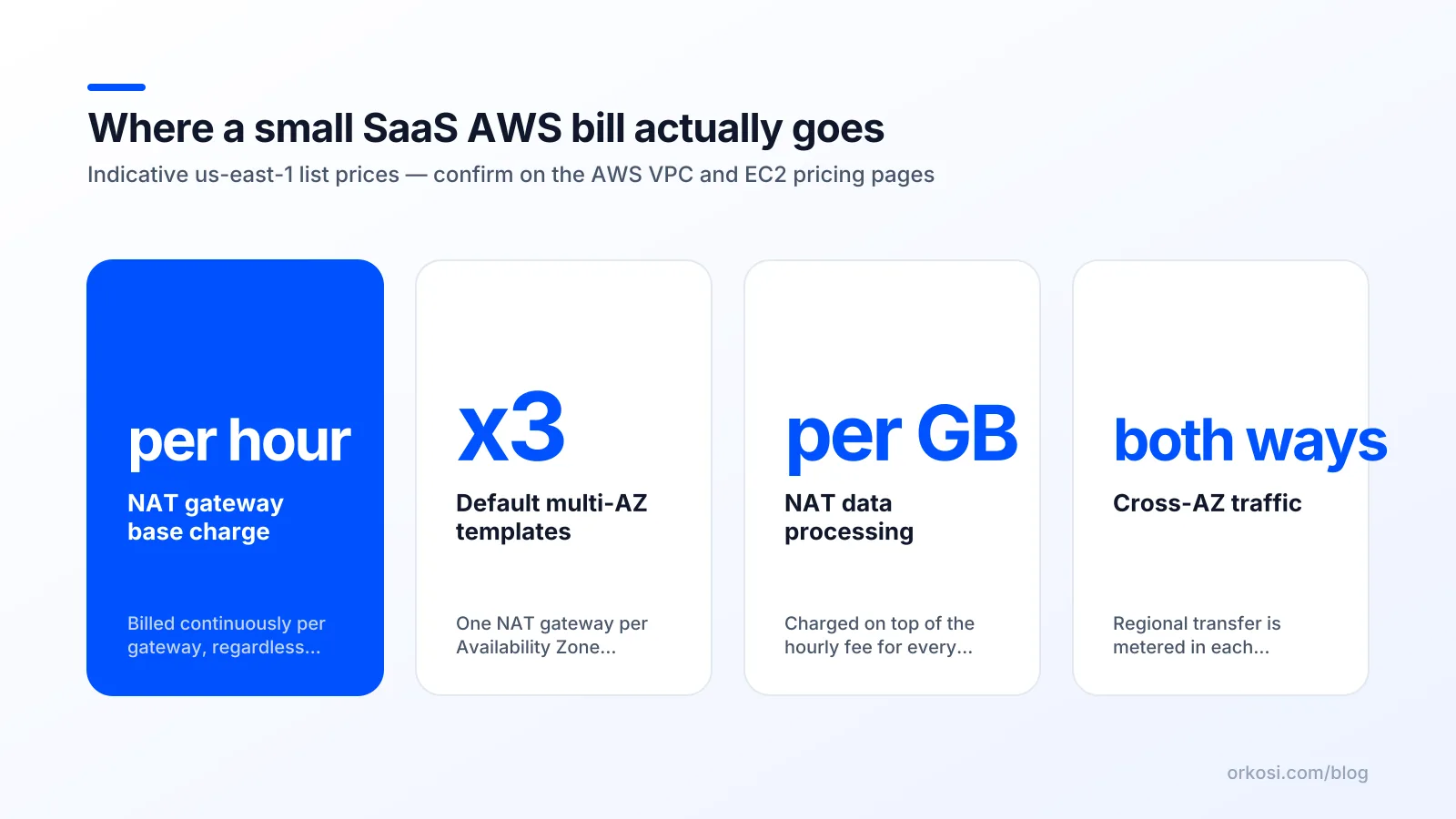
Scale that over a year of pre-revenue development and the three-AZ NAT configuration costs about $1,180 to protect an application that, if it went down for an hour, would inconvenience you and your co-founder.
My position: three NAT gateways is a bet you haven't earned
Multi-AZ NAT redundancy buys you one thing: outbound internet connectivity survives the loss of an Availability Zone. That is a genuine benefit. My argument is that at pre-revenue scale you are paying a fixed hourly premium to hedge a risk that your compute layer cannot survive anyway.
If you run two Fargate tasks and one RDS instance, an AZ failure very likely takes out capacity, a database failover, or both. You have bought a redundant exit door for a building with one staircase. The redundancy is real but it is not the binding constraint, and it costs $66 a month more than the single-gateway version whether you have one customer or none.
The orthodox counterargument deserves a fair hearing. SRE practice says you build the resilient shape first because retrofitting it under load is how outages happen, and because a half-redundant architecture gives false confidence. That is true and I have watched teams get caught by it. The migration from one NAT to three is, in practice, a Terraform variable change and a short window of churn, but it is not free attention.
The threshold is not a user count, it is a commitment. Move to multi-AZ NAT when any one of these is true:
- You have paying customers who would churn over a two-hour outage.
- You have signed an SLA or a contract with uptime language.
- You carry a compliance obligation (SOC 2, HIPAA) where your auditor reads your architecture diagram.
- Your compute is already multi-AZ with automatic failover, so the NAT is genuinely the weakest link.
Before that, three NAT gateways is cargo-culted infrastructure. After it, single-NAT is negligence.
Four cuts that don't compromise anything real
Gateway endpoints for S3 and DynamoDB (free, and they bypass NAT)
This is the only change on this list with no trade-off. A gateway endpoint routes S3 and DynamoDB traffic over the AWS network instead of out through your NAT gateway, and it costs nothing. If your app writes 200 GB of uploads to S3 in a month, you have just removed about $9 of NAT processing and a slice of latency. Add them to every VPC you create, permanently.
The risk: the endpoint attaches to a route table, so a misconfigured policy can break S3 access for subnets you forgot about. Test after deploying.
One NAT gateway, or a NAT instance, until you have revenue
Collapsing three NAT gateways to one saves about $66 a month and changes nothing about your application's behaviour on a normal day. The honest cost: it is a single point of failure, and if that AZ fails, every private subnet loses outbound internet, including subnets in healthy zones.
A NAT instance (a small EC2 instance doing the translation yourself) drops the fixed cost further, into single-digit dollars a month for a t4g-class instance, and removes the per-GB processing fee entirely. The honest cost is larger: you now own patching, monitoring, instance replacement and bandwidth limits. If no one on your team wants to be on the hook for a Linux box, pay for the managed gateway and take the $33.
Put a CDN in front of anything heavy
CloudFront changes the economics of egress because data transfer from your AWS origin into CloudFront is not charged, and CloudFront's own free tier currently includes 1 TB of data transfer out per month. Check the current terms on Amazon CloudFront Pricing, since the allowance and the always-free structure have changed over time.
For a static frontend and an asset-heavy app, this can take a three-figure egress line to near zero. The trade-off is cache invalidation discipline and one more layer to debug when a deploy serves stale JavaScript.
Keep chatty services and their database in the same AZ
Cross-AZ data transfer pricing punishes architectures where an application server in one zone talks constantly to a primary database in another. At $0.01 per GB each direction, a service exchanging 500 GB a month with its database across a zone boundary costs $10 for nothing. Pin the writer and its heaviest consumer to the same AZ, and let the standby sit elsewhere.
The trade-off is explicit: you have traded a small amount of resilience for a smaller bill and lower latency. Document it so the next engineer does not think it is an accident.
When paying the networking bill is the right call
Some products should spend heavily here and stop worrying about it.
Egress-heavy products. Video, large file exports, data APIs with fat payloads: your bill is dominated by per-GB transfer, not fixed plumbing, and the correct optimisation is caching and compression, not NAT topology.
Regulated workloads. If your auditor or your customer's security questionnaire requires that traffic to AWS services never traverse the public internet, interface endpoints at $7.30 per AZ-month are cheap compared with losing the deal.
Teams with uptime commitments. Once a two-hour outage costs you a contract, the $66 a month is insurance with a positive expected value.
Anything where the saving is smaller than the engineering hour. A rough rule: if a change saves less than $50 a month and takes more than half a day to implement and verify, write it down and do it later. Founder attention is the scarcer resource, and the cost of running a SaaS on AWS includes the time you spend reading pricing pages.
Find your own number in fifteen minutes
Stop reading estimates and get your real figures.
- Open AWS Cost Explorer, set the date range to last month, and set granularity to monthly.
- Group by Usage Type.
- Scan for these usage types:
NatGateway-Hours,NatGateway-Bytes,DataTransfer-Regional-Bytes(cross-AZ),DataTransfer-Out-Bytes(internet egress), andVpcEndpoint-Hours. - Add them up. That is your networking spend.
- Now find your compute:
BoxUsage:*for EC2, Fargate vCPU and GB-hours for ECS, and your RDS instance hours.
Write down one ratio: networking spend as a percentage of total AWS spend. Under 15% and you have nothing to fix. Between 15% and 35%, apply the free cuts (gateway endpoints, CDN) and move on. Above 35% on a pre-revenue product, your plumbing is the product's biggest cost centre and deserves an afternoon.

Who owns this when agents build the infrastructure
Most founders inherit their VPC shape from whatever template their builder or consultant used, and it never gets revisited. On Orkosi, agents write the code and deploy it to AWS, then keep iterating through tasks, which means networking shape is a thing you can specify at the start and change later as a task rather than an architecture decision frozen at launch. The practical version: start with a single NAT and gateway endpoints while you are finding product-market fit, then file a task to go multi-AZ the week you sign your first contract with uptime language.
The honest trade-off is that any managed platform, Orkosi included, abstracts some AWS detail away from you; if you want to hand-tune every route table, a platform is friction rather than help. Hosting is part of the Orkosi plans rather than a separate AWS invoice you reconcile, so see Orkosi pricing and the docs for how that works, and how Orkosi compares with other builders if you are weighing alternatives.
FAQ
How much does a NAT gateway cost per month?
In us-east-1, roughly $32.85 per month per gateway (about $0.045 per hour), plus about $0.045 per GB of data processed. Three gateways in a standard three-AZ VPC therefore cost close to $100 a month before any traffic. Rates differ by region and change over time, so confirm on Amazon VPC Pricing.
Can I run a production SaaS on AWS without a NAT gateway?
Yes, with caveats. If your workloads only need S3 and DynamoDB, free gateway endpoints cover them; if they need other AWS services, interface endpoints work; if they need the open internet, you can run a NAT instance or place services in public subnets with tight security groups. Each option trades managed convenience for either operational work or a wider attack surface, so choose deliberately rather than by default.
Is cross-AZ data transfer really charged in both directions?
Yes. Data transferred between Availability Zones in the same region is billed at approximately $0.01 per GB in each direction in us-east-1, so a 1 GB round trip across zones costs about $0.02. It is invisible in most dashboards and shows up in Cost Explorer as DataTransfer-Regional-Bytes; see the data transfer section of EC2 On-Demand Pricing.
Does CloudFront actually reduce my AWS bill or just move it?
It genuinely reduces it in most cases, because data transfer from an AWS origin into CloudFront is not charged and CloudFront's free tier currently covers 1 TB of monthly data transfer out. You pay for requests and for transfer beyond the allowance, so very high-volume products do shift spend rather than eliminate it. Check the current terms on Amazon CloudFront Pricing before assuming the free tier covers you.
Pull up Cost Explorer, find your networking percentage, and fix the free wins today. If you would rather have agents build and run the thing on AWS for you, start free and check the plans.